Badges
Everybody who finished a level of this course and claimed it.
It is a badge, not a certification: there is no exam here. What it says is that a job read the person's public repository and found the work.
| Name | Highest badge | GitHub | Trailblazer | |
|---|---|---|---|---|
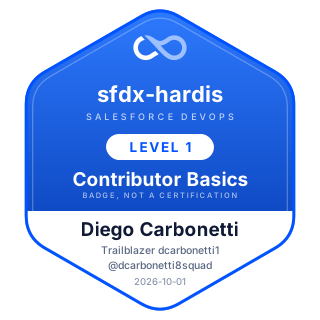 |
Diego Carbonetti | sfdx-hardis Contributor Basics | @dcarbonetti8squad | dcarbonetti1 |
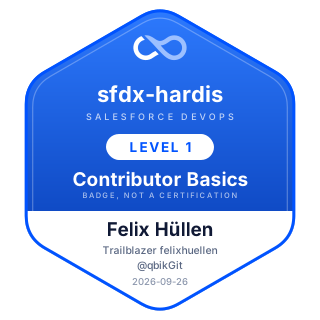 |
Felix Hüllen | sfdx-hardis Contributor Basics | @qbikGit | felixhuellen |
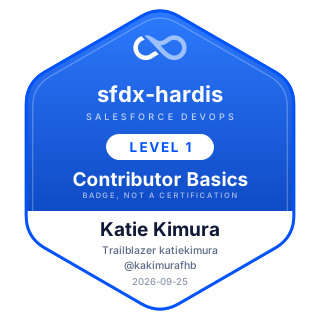 |
Katie Kimura | sfdx-hardis Contributor Basics | @kakimurafhb | katiekimura |
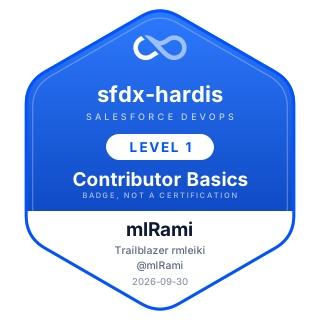 |
mlRami | sfdx-hardis Contributor Basics | @mlRami | rmleiki |
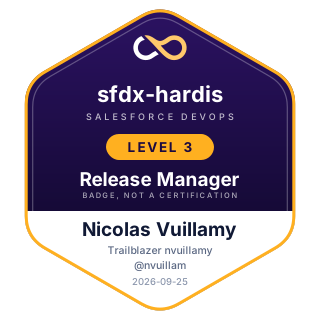 |
Nicolas Vuillamy | sfdx-hardis Release Manager | @nvuillam | nvuillamy |
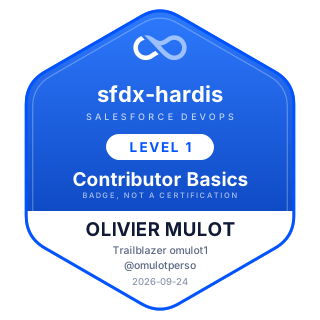 |
OLIVIER MULOT | sfdx-hardis Contributor Basics | @omulotperso | omulot1 |
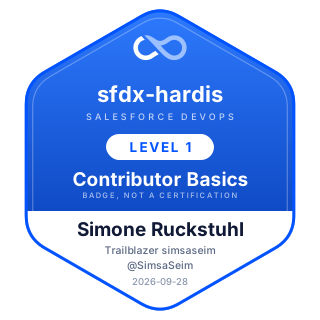 |
Simone Ruckstuhl | sfdx-hardis Contributor Basics | @SimsaSeim | simsaseim |
Claim yours
In VS Code: Welcome page > Training: Level N > Claim my badge. It checks the whole level on your machine first, then opens the claim form with everything already filled in, and you tick the three boxes and submit.
Each level also asks you to star the open source project it teaches, which the command offers to do and the audit checks.
You can also open a claim issue by hand, with your level, your Trailblazer username, the URL of your public fork and the receipt lines printed by Check my work.
Reading a badge from another site
Every badge is also published as JSON, keyed by Trailblazer username, so a tool that knows somebody's Trailblazer username can ask what they earned here without an index or an API key:
It answers 404 when that person has no badge. The document holds the recipient's GitHub handle,
their name, and one entry per badge with its level, its date, the number of checks that passed and
the URL of its image. These files are served with Access-Control-Allow-Origin: *, so a page in a
browser can read them directly.
Put it on your LinkedIn banner
Trailhead Banner is one of those tools. It draws a LinkedIn cover image from a Trailblazer username: the rank, the badge and certification counts, and the highest sfdx-hardis training badge that person claimed here.
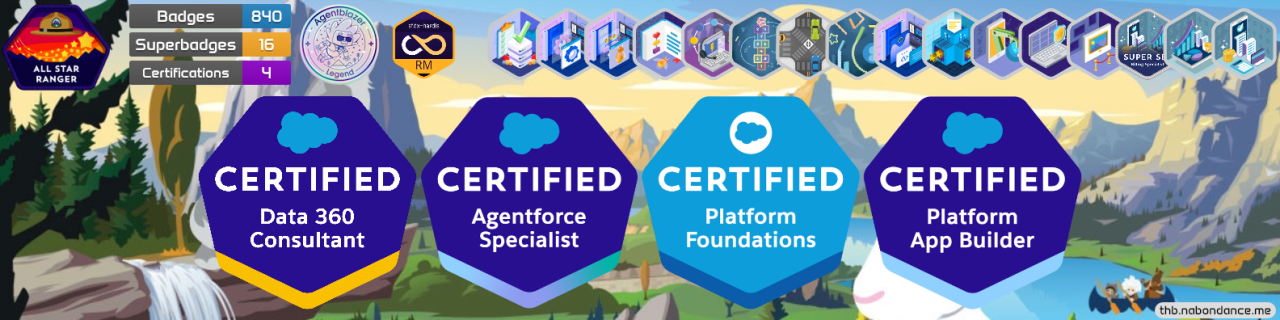
Type your Trailblazer username, generate the picture, and set it as your LinkedIn cover. Nothing to install and nothing to sign in to: the badge is public and keyed by that username.